
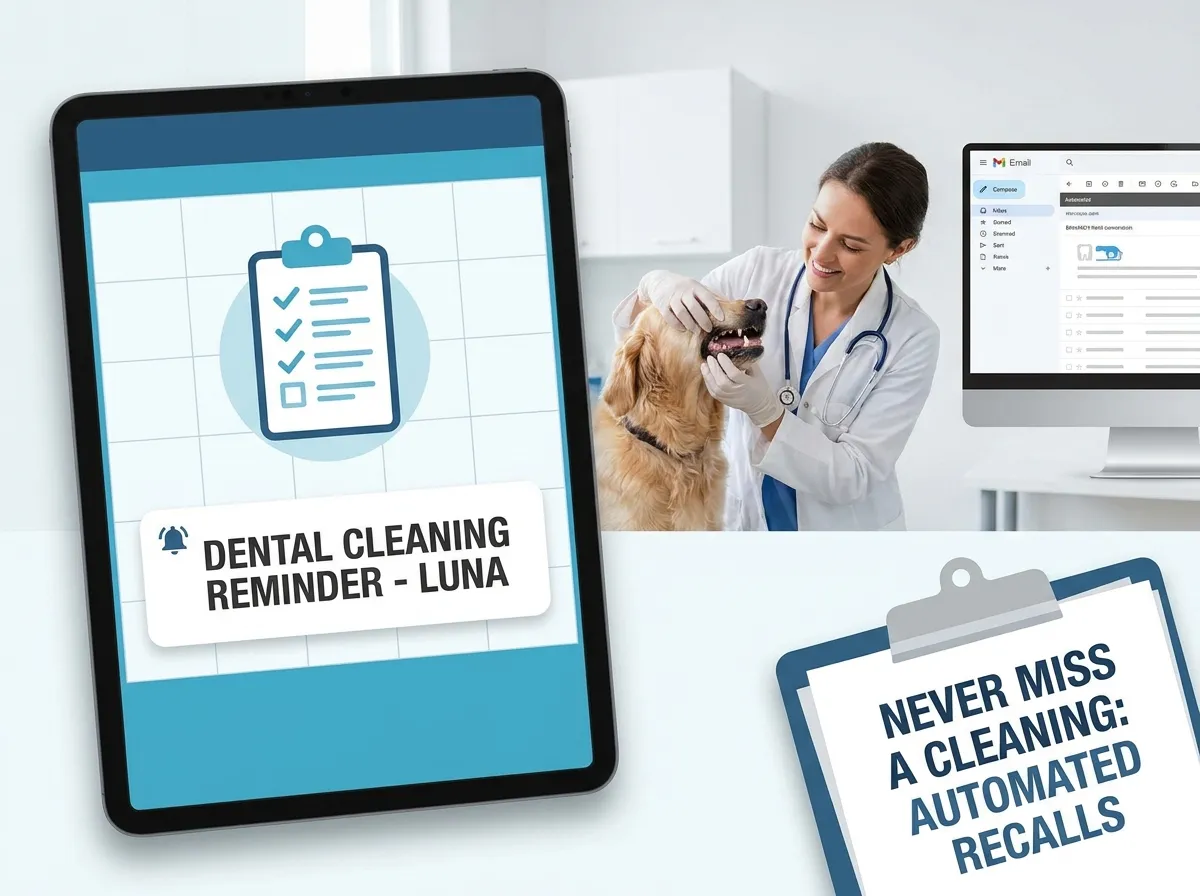
Veterinary dental cleaning isn't a one-time transaction; it's a recurring healthcare requirement. However, in the rush of daily clinic life, following up on past dental patients is often forgotten, leaving valuable revenue on the table and pets suffering from unmanaged oral disease.
1. Integrate Recalls With Your Practice Management Software (PIMS)
Modern practice management platforms (like ezyVet, Covetrus, or Neo) have built-in reminder engines. Set up automated rules to trigger dental reminders based on the anniversary of the patient's last dental billing code. This takes the human error out of the equation.
Configure your triggers carefully. Ensure that once a dental code is billed, it starts a 10-month countdown timer. If the pet hasn't been scheduled for an exam or cleaning by day 300, the automation should trigger the first recall message automatically, alerting the owner before their reminder status expires.
2. Craft a Multi-Channel Recall Sequence
Don't rely on email alone. A high-converting recall system uses a mix of email (for educational details), text messaging (for quick, direct CTAs), and push notifications if your clinic uses a patient portal app. Multi-channel sequences double booking response rates.
Keep texts short and actionable. An email can contain detailed info on the clinical importance of annual cleanings, while an SMS should focus solely on booking convenience: “Hi [Owner Name], it's time for Max's annual dental check! Click here to request a slot: [Link].”
- Day 300 (10 Months Post-Op): Pre-recall email reminding the owner of the upcoming anniversary, detailing the importance of prevention, and offering an early booking slot.
- Day 335 (11 Months Post-Op): Direct SMS reminder with a one-click scheduling link to book a dental check. Highly effective for busy pet owners.
- Day 365 (1 Year Post-Op): Follow-up email highlighting the long-term health risks of delayed cleanings and offering financing options if cost is an issue.
- Day 390 (13 Months Post-Op): Personal phone call follow-up from your front desk team for remaining unbooked high-priority patients (e.g. Stage 3 dental cases).
3. Use Custom Scheduling Landing Pages
When a client clicks a link in an SMS recall reminder, they should be taken to a dedicated, mobile-friendly landing page where they can request or book their dental slot in under 30 seconds. Avoid sending them to a generic, confusing booking system that leads to drop-offs.
Your booking page should be pre-filled if possible, or at least highly simplified. Let them select their preferred day, time block, and veterinarian. The simpler the process, the higher your conversion rates.
4. Measure and Optimize Recall Conversion Rates
Track your metrics. Monitor how many clients open the emails, click the SMS links, and successfully book a cleaning. A small tweak to your message copy or offering a convenient booking link can double your booking rates.
Review your numbers quarterly. If your SMS click-through rates are low, test different messaging styles. If email opens are low, test new subject lines (e.g., “Max's teeth need a checkup!” vs. “Annual Dental Reminder”). Small optimizations lead to massive calendar growth.
5. Setting Up Re-Engagement Campaigns
For clients who have missed their recall anniversary by more than six months, run a specialized re-engagement campaign. Offer a small incentive or focus on symptom education. Sometimes, a gentle reminder about “dog bad breath” is all it takes to prompt a booking.
6. Integrating Client Education in Reminders
Make sure your reminders aren't just transactional notifications. Include a link to a helpful video or blog post about home dental care. Providing value inside your reminders builds relationships and makes clients feel supported rather than sold to.
VetGuider builds integrated patient recall systems, automated messaging campaigns, and high-converting veterinary websites to keep your bays full.
Automate Your Recalls